
Our Collections













Security Cameras
-

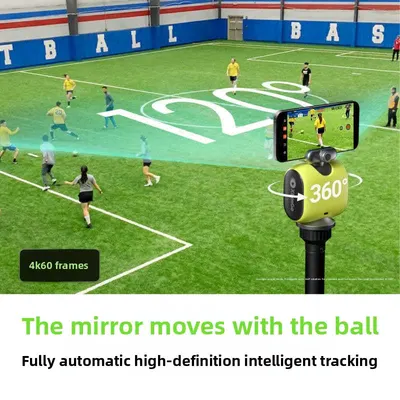
AI Tracking Gimbal Camera with 3-Axis Stabilization
Regular price From $50.61Regular priceSale priceFrom $50.61 -
 Sale
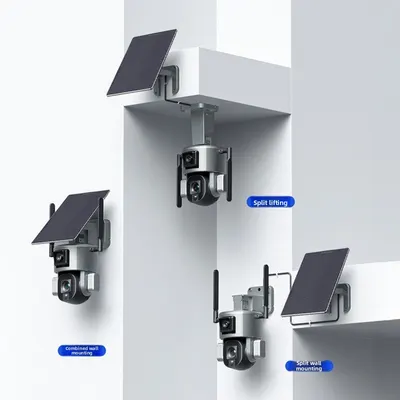
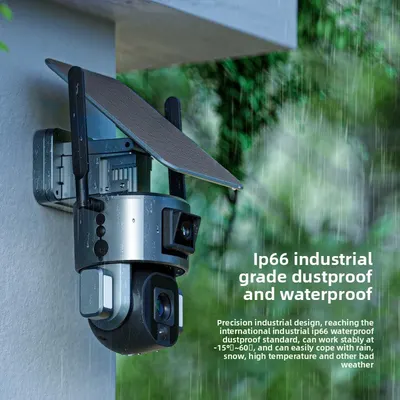
SaleSolar Powered Dual Lens PTZ Camera with WiFi and 8MP Clarity
Regular price From $350.57Regular priceSale priceFrom $350.57 -
 Sale
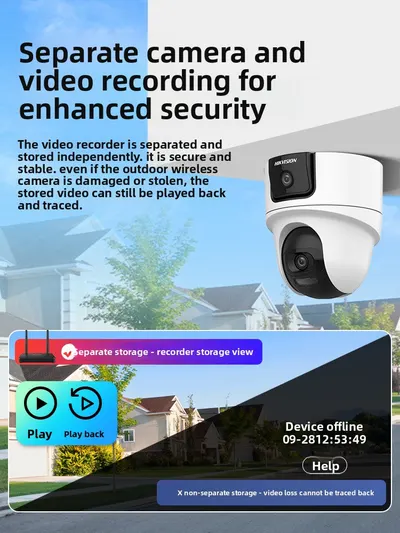
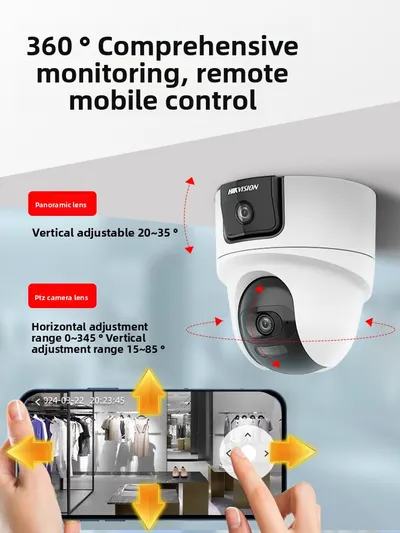
SaleSecurity Camera System with Dual Lens and 360-Degree Rotation
Regular price From $165.32Regular priceSale priceFrom $165.32 -
 Sale
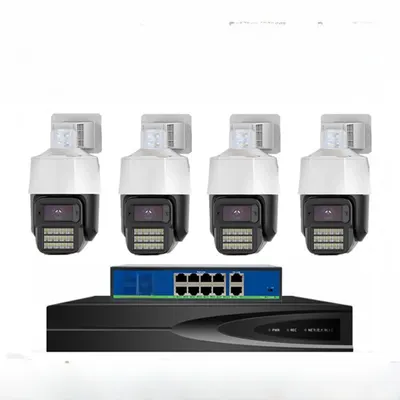
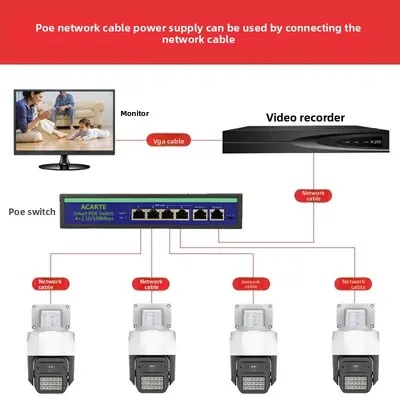
Sale5MP POE Security Cameras with 360-Degree View and AI Detection
Regular price From $126.35Regular priceSale priceFrom $126.35 -
 Sale
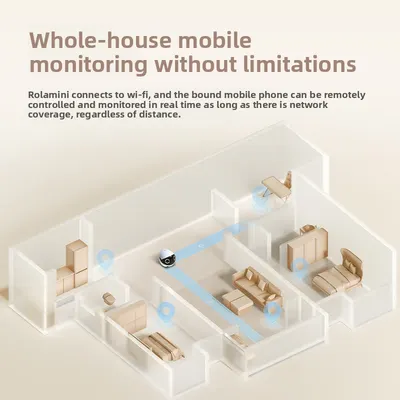
SaleRemote-Controlled Wireless Monitoring Camera with 2K HD and 360-Degree View
Regular price $898.96Regular price$1,313.53Sale price$898.96
No products match these filters. Remove all
Security cameras at Global Swanky help you keep an eye on your home, family and pets from your phone: 1080P Wi-Fi cameras with two-way voice, panoramic indoor cameras, light bulb cameras that screw into a standard socket, multi-lens cameras with triple-screen views, adhesive window cameras, solar-powered 4G battery camera kits, plus pet cameras and video baby monitors. Prices start at $22.87.
Key Takeaways
- Our security cameras collection lists 320 products, all in stock as of October 15, 2026.
- The range covers indoor Wi-Fi cameras, outdoor and solar 4G cameras, light bulb cameras, multi-lens cameras, pet cameras and baby monitors.
- The FTC warns that connected cameras can be hacked and advises changing default passwords, updating software and securing your Wi-Fi router.
- Respect privacy: don't point cameras into neighbors' homes or private spaces, and check local recording laws.
- Check whether each camera needs Wi-Fi, 4G or a memory card before buying.
On this page
- Why Install Security Cameras?
- What's in Our Security Cameras Collection?
- Types of Security Cameras
- Security Cameras Features
- Keeping Security Cameras Secure
- Security Cameras by Need
- How to Choose Security Cameras
- Caring for Security Cameras
- Shipping, Returns and Support
- Security Cameras FAQs
- Find the Right Security Cameras
Why Install Security Cameras?
A security camera lets you check on your home from anywhere, get alerts when motion is detected, and record footage if something happens. It can also help you watch over pets, check deliveries and keep an eye on little ones. Modern Wi-Fi cameras are small, affordable and easy to set up in minutes.
Peace of mind
See what's happening at home from your phone.
Motion alerts
Get notified when activity is detected.
Two-way talk
Speak to family, pets or visitors through the camera.
What's in Our Security Cameras Collection?
The collection lists 320 products as of October 15, 2026.
| Camera | Example and price (USD) |
|---|---|
| Light bulb cameras | Light Bulb Camera, Wi-Fi Panoramic with Night Vision (from $23.34) |
| Window cameras | Wireless Home Camera, 3MP, Adhesive Glass Mount (from $25.00) |
| Panoramic indoor cameras | Wireless Home Camera with Panoramic HD View (from $25.47) |
| Night vision cameras | Wireless 1080P Surveillance Camera with Night Vision ($40.63) |
| Two-way voice cameras | 1080P HD Wi-Fi Camera with Two-Way Voice ($41.21) |
| Triple-screen cameras | Monitoring Camera with Triple-Screen View, Waterproof (from $54.22) |
| Multi-lens cameras | Three-View Wireless Wi-Fi Security Camera (from $62.08) |
| Pet cameras | AI Pet Camera with Tracking and Dual Screens (from $61.76) |
| Baby monitors | Wi-Fi Baby Monitor with Screen and Cry Alarm ($119.11) |
| Solar 4G camera kits | Solar Powered 4G Battery Camera, 4 Pack ($378.59) |
For video doorbells and smart locks, browse our automation kits collection.
Types of Security Cameras
Indoor Wi-Fi cameras
Compact cameras for living rooms, nurseries and entryways.
Light bulb cameras
Screw into a standard light socket for power and a wide view.
Multi-lens cameras
Two or three lenses cover wide areas with fewer blind spots.
Outdoor and solar cameras
Weatherproof cameras with solar panels and batteries for yards and driveways.
4G cameras
Work with a SIM card where Wi-Fi isn't available, such as farms and building sites.
Pet cameras and baby monitors
Specialized cameras with tracking, two-way audio and alerts.
Security Cameras Features
| Feature | What it does | Why it matters |
|---|---|---|
| Resolution (1080P, 3MP, 4MP) | Image clarity | Clearer faces and details |
| Night vision | Infrared or color night view | 24/7 monitoring |
| Motion detection | Alerts on movement | Fewer missed events |
| Two-way audio | Talk and listen | Communicate remotely |
| Pan and tilt | Rotates to look around | Wider coverage |
| Storage | Memory card or cloud | Saved recordings |
| Weatherproofing | Rated for rain and dust | Outdoor use |
Keeping Security Cameras Secure
The FTC warns that internet-connected cameras can be hacked. It recommends securing your home router with a strong password and up-to-date software, updating your camera's software, and choosing a strong password instead of the camera's default username and password.
Turn on security features
Use two-factor sign-in and encryption if the camera app offers them.
Think about placement
Consider privacy before enabling remote viewing of private rooms such as bedrooms.
Respect others' privacy
Don't point cameras into neighbors' homes, and check local laws before recording audio or filming shared spaces.
Security Cameras by Need
| Need | Good choice | Why |
|---|---|---|
| Watching pets | Pet camera with tracking | Follows movement |
| Nursery | Video baby monitor | Cry alerts and screen |
| Living room | Panoramic indoor camera | Wide view |
| Easy install | Light bulb camera | No extra wiring |
| Large yard | Multi-lens or solar camera | Wide coverage |
| No Wi-Fi | 4G solar camera | Works with a SIM |
How to Choose Security Cameras
- Decide indoor, outdoor or both.
- Check connection: 2.4GHz Wi-Fi, 4G or wired.
- Choose resolution of 1080P or higher.
- Look for night vision and motion alerts.
- Check storage: memory card size or cloud plan.
- Confirm the camera has FCC authorization for US use.
Caring for Security Cameras
- Wipe lenses regularly for clear images.
- Update firmware when the app prompts.
- Check batteries and solar panels on outdoor cameras.
- Format memory cards occasionally.
- Review camera angles after storms or moves.
Shipping, Returns and Support
We ship electronics to US addresses only, and standard shipping is free. Most orders arrive within 6 to 32 business days, and you can track your order once it ships.
Returns are accepted within 30 days of delivery if the item is new, unused and in its original packaging, with no restocking fee. Read the full terms in our return policy, and contact our support team if your order arrives damaged.
Security Cameras FAQs
Do these cameras need Wi-Fi?
Most cameras in this collection connect to your home Wi-Fi so you can view them on your phone. 4G models use a SIM card and mobile data instead, which suits places without Wi-Fi. Check each listing for the connection type.
Do they work with 5GHz Wi-Fi?
Many budget Wi-Fi cameras only connect to 2.4GHz networks, which reach farther through walls. If your router combines both bands, you may need to enable a separate 2.4GHz network during setup.
Is there a monthly fee?
Many cameras record to a microSD memory card at no ongoing cost, while optional cloud storage may need a subscription. Check each listing and the camera app for storage options and any fees.
How do I keep my camera from being hacked?
The FTC recommends changing the default username and password to a strong, unique one, keeping the camera's software updated, and securing your Wi-Fi router with a strong password and updates. Turn on two-factor sign-in if the app offers it.
Can I record audio?
Audio recording laws vary by state, and some require consent from everyone being recorded. Check your local laws, and consider turning off audio recording in shared or public-facing areas.
Do they have night vision?
Most of our cameras include infrared night vision, and some offer color night vision with built-in lights. Check each listing for night vision range.
Can I use them outdoors?
Only use cameras rated for outdoor use, usually with an IP65 or IP66 weatherproof rating, outside. Indoor cameras aren't built to handle rain, dust or temperature swings.
Do light bulb cameras fit any socket?
Most light bulb cameras fit standard E26/E27 screw-in sockets. Install them in a fixture where the switch can stay on, so the camera keeps power.
Where should I place a security camera?
Cover entrances, hallways and main living areas, mount cameras high enough to avoid tampering, and avoid pointing them at bright windows. Keep cameras out of bathrooms and other private spaces.
Can several people view the same camera?
Most camera apps let you share access with family members. Give each person their own login rather than sharing your password.
How long does shipping take?
Most orders arrive within 6 to 32 business days of being placed. That covers 1 to 2 business days of handling and 5 to 30 business days in transit. Standard shipping is free on every order, and we currently ship to US addresses only.
Can I return a security camera?
Unused items can be returned within 30 days of delivery in their original packaging. Email support@globalswanky.com with your order number to start a return, and there's no restocking fee.
Find the Right Security Cameras
Choosing security cameras comes down to three checks: where you'll place them, how they connect, and how you'll keep them secure. A panoramic indoor camera or a light bulb camera makes an easy start.
Ready to choose? Scroll up to the product grid, or browse our wearable technology and DIY electronics collections.
- Choosing a selection results in a full page refresh.
- Opens in a new window.

Global Swanky
1 × $0.00 · Free US shipping
$0.00
- 1 Payment
- 2 Shipping
- 3 Done
Checkout is temporarily unavailable.
Please try again in a moment, or email support@globalswanky.com and we will help you order.
Secured by Stripe. Card details go straight to Stripe, never to our servers.
Order confirmed
Thank you. A confirmation is on its way to .
- Order number
- Total paid
- Paid with
- Delivery
- Dispatched within 24 hours, 3–7 business days