
Our Collections











Computing Devices
-


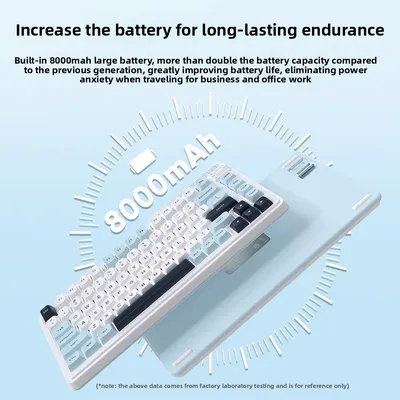
Gravity Planet Wireless Mechanical Keyboard with RGB Backlighting
Regular price From $256.09Regular priceSale priceFrom $256.09 -

 Sale
SaleTriple Mode Mechanical Keyboard, Hot-Swappable Gasket Mount for Typing
Regular price From $78.03Regular priceSale priceFrom $78.03 -
 Sale
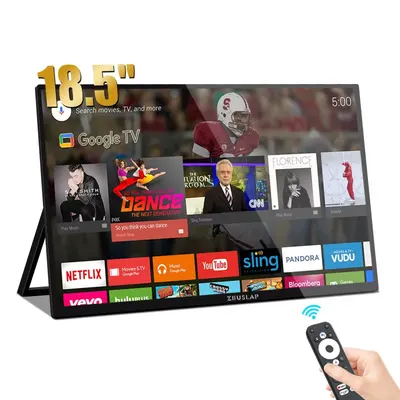
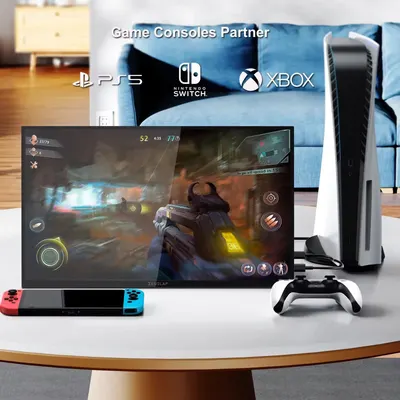
SalePortable Display 18.5 Inch Touch Screen Monitor with Google TV
Regular price $550.90Regular price$761.50Sale price$550.90 -
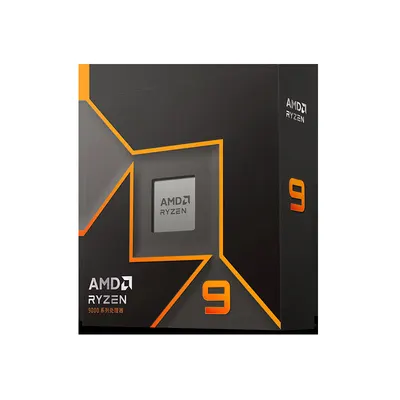

AMD Ryzen 9 9900X 12-Core 24-Thread CPU for Gaming PC Builds
Regular price $742.00Regular priceSale price$742.00 -
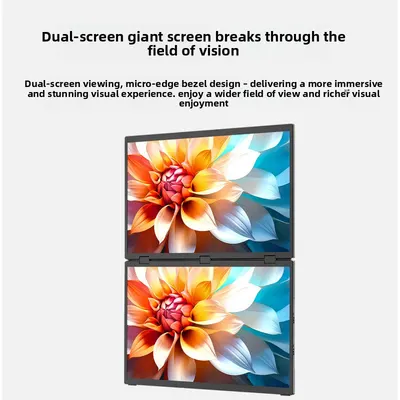
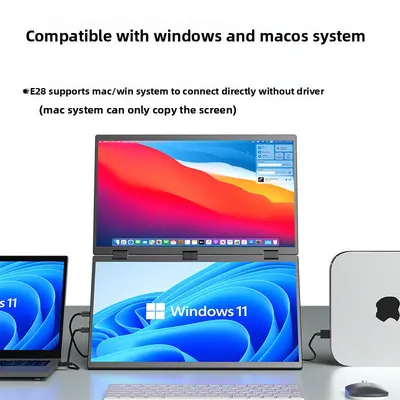
Portable Touch Monitor 15.6" 2.5K 100Hz USB-C HDMI
Regular price From $217.46Regular priceSale priceFrom $217.46 -


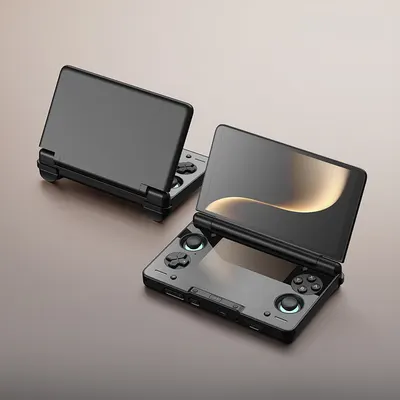
Handheld Game Console with OLED Display and Flip Design
Regular price $560.42Regular priceSale price$560.42 -


Triple Monitor Extender for Laptops, FHD 1080P IPS USB-C Portable
Regular price From $367.21Regular priceSale priceFrom $367.21 -
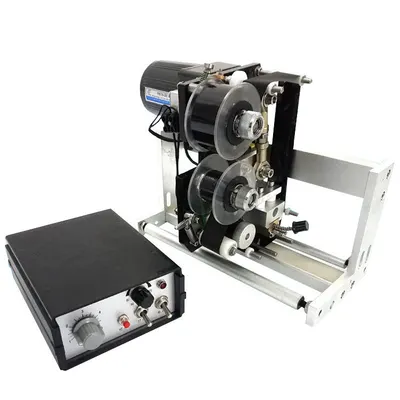
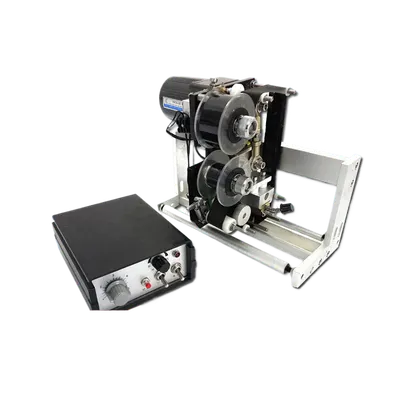
Ribbon Coding Machine Semi-Automatic Versatile Printer
Regular price $528.84Regular priceSale price$528.84 -

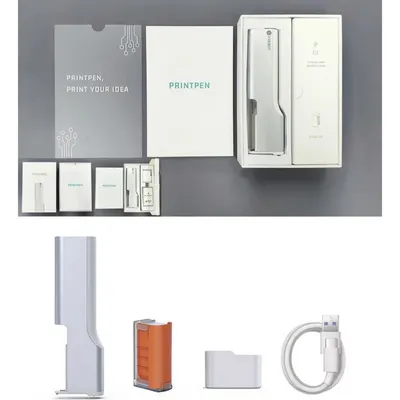
Food Printing Pen with Food-Grade Ink for Coffee Art and Dessert Decoration
Regular price From $139.93Regular priceSale priceFrom $139.93 -
 Sale
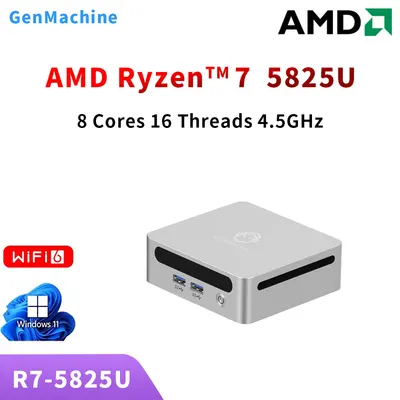
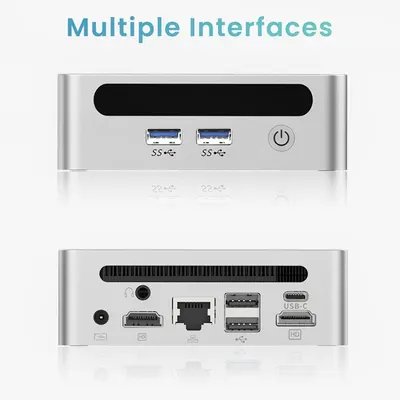
SaleMini PC AMD Ryzen R7-5825U High-Performance Desktop for Home Office
Regular price From $477.56Regular priceSale priceFrom $477.56 -
 Sale
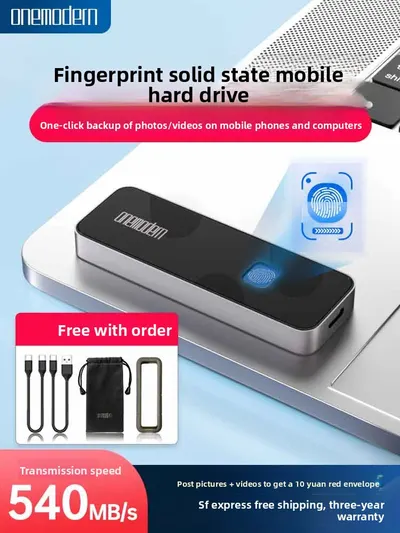
SaleExternal Solid State Drive with Fingerprint Encryption USB 3.2
Regular price From $209.33Regular priceSale priceFrom $209.33 -

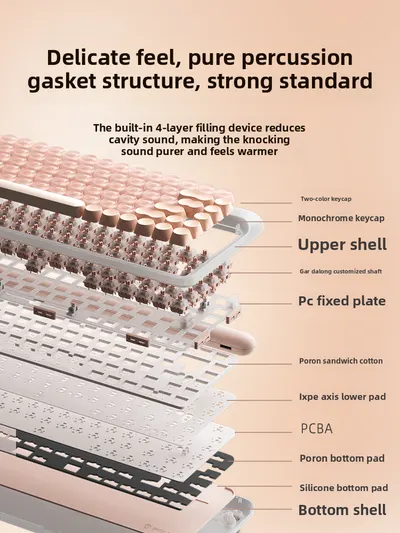 Sale
SaleBluetooth Mechanical Keyboard 84 Keys Wireless Compact for Office
Regular price From $375.69Regular priceSale priceFrom $375.69
No products match these filters. Remove all
Computing devices and accessories at Global Swanky help you build a comfortable, productive desk setup: mechanical and wireless keyboards, keyboard and mouse combos, gaming and ergonomic mice, portable monitors, laptop stands, USB hubs and docking stations, PC components, 3D printing supplies and portable thermal printers. Prices start at $19.58.
Key Takeaways
- Our computing devices collection lists 829 products, starting from $19.58 as of October 10, 2026.
- It includes 279 keyboards, 161 monitors and desk accessories, 138 gaming mice, 70 3D printing products, 40 add-on cards and controllers and 39 memory and storage products.
- The median starting price is $32.83, and 498 products start under $40.
- OSHA recommends placing a monitor 20 to 40 inches from your eyes, with the top of the screen at or slightly below eye level.
- Check connection type (USB-C, Bluetooth or 2.4GHz) and operating system compatibility before buying.
On this page
- Building a Better Desk Setup
- What's in Our Computing Devices Collection?
- Keyboards
- Mice
- Monitors and Desk Setup
- Hubs, Docks and Connectivity
- PC Components and Repair
- 3D Printing and Printers
- How to Choose Computing Devices
- Computing Devices by Need
- Caring for Computing Devices
- How Much Do Computing Devices Cost?
- Shipping, Returns and Support
- Computing Devices FAQs
- Find the Right Computing Devices
Building a Better Desk Setup
The right computing devices make work, study and gaming more comfortable and efficient. A keyboard that suits your typing style, a mouse that fits your hand, a monitor at the right height and a tidy hub for your cables can reduce strain and save time every day.
Comfort
Ergonomic keyboards, vertical mice and laptop stands help you work in more natural positions.
Productivity
Second screens, docking stations and fast storage keep your workflow moving.
Play
Mechanical keyboards and high-precision gaming mice add speed and control.
What's in Our Computing Devices Collection?
The collection lists 829 products as of October 10, 2026.
| Category | Products | Example and price (USD) |
|---|---|---|
| Keyboards | 279 | Tri-Mode Wireless Mechanical Keyboard, Hot-Swappable, RGB ($59.96) |
| Monitors and desk accessories | 161 | Metal Monitor Stand with Wireless Charging and USB Hub ($48.33) |
| Gaming mice | 138 | Rechargeable Wireless Gaming Mouse with LED Light ($32.88) |
| 3D printing supplies | 70 | 3D printer parts, filament and 3D pens |
| Add-on cards and controllers | 40 | Expansion cards and controller panels |
| Memory and storage | 39 | Flash drives, SSDs and memory cards |
| Laptop repair parts | 37 | Replacement keyboards, batteries and boards |
| Sound cards | 11 | USB and internal sound cards |
Counts come from product types on October 10, 2026. For cables, chargers and drives, browse our storage and accessories collection.
Keyboards
Mechanical keyboards
Mechanical switches give a satisfying feel and long life. Hot-swappable boards let you change switches without soldering.
Wireless and Bluetooth keyboards
Tri-mode keyboards connect by USB-C cable, 2.4GHz receiver or Bluetooth to switch between devices.
Foldable and tablet keyboards
Compact folding keyboards pair with tablets and phones for typing on the go.
Keyboard and mouse combos
Matching sets are an easy, affordable desk upgrade. Mechanical Feel Silent Keyboard and Mouse Combos start at $40.85.
Mice
Gaming mice
High-DPI sensors, programmable buttons and RGB lighting suit fast-paced games.
Ergonomic and vertical mice
Upright designs keep your wrist in a handshake position, which many people find more comfortable.
Silent and travel mice
Quiet clicks suit shared offices and compact mice fit laptop bags.
Monitors and Desk Setup
Portable monitors
Slim USB-C monitors add a second screen for laptops and travel.
Monitor and laptop stands
Stands raise screens closer to eye level and free up desk space. Adjustable Aluminum Laptop Stands start at $29.47.
Monitor position
OSHA recommends a viewing distance of 20 to 40 inches from your eyes to the screen, with the top of the monitor at or slightly below eye level, directly in front of you.
Mouse pads and wrist rests
Large desk mats and wrist supports add comfort and protect your desk.
Hubs, Docks and Connectivity
USB hubs
Multi-port hubs add USB, SD card and HDMI ports to laptops with few connections.
Docking stations
Docks connect monitors, chargers and accessories with a single cable.
Network adapters
Ethernet adapters give laptops a fast, stable wired connection.
PC Components and Repair
Memory and storage
Flash drives, SSD enclosures and memory cards store and move files.
Laptop repair parts
Replacement keyboards and components help extend a laptop's life. Check model numbers carefully before ordering.
PC building
Cases, power supplies and expansion cards suit DIY gaming builds.
3D Printing and Printers
3D printer parts and filament
Nozzles, hot ends and filament keep 3D printers running.
3D pens
Handheld 3D pens draw in plastic for crafts and models. Supervise children and follow the age guidance.
Portable thermal printers
Ink-free Bluetooth printers print labels, notes and photos from your phone.
How to Choose Computing Devices
- Check compatibility with your computer's operating system and ports.
- Choose a connection type: wired, 2.4GHz or Bluetooth.
- Pick an ergonomic shape that suits your hand and posture.
- Consider switch type and noise for keyboards.
- Check sizes and model numbers for replacement parts.
- Choose US-plug power supplies and chargers.
Computing Devices by Need
| Need | Good choice | Why |
|---|---|---|
| Home office | Wireless keyboard and ergonomic mouse | Comfort and fewer cables |
| Gaming | Mechanical keyboard and gaming mouse | Speed and precision |
| Laptop on the go | Portable monitor and foldable keyboard | Second screen anywhere |
| Neck comfort | Laptop or monitor stand | Raises screen height |
| Too few ports | USB hub or docking station | More connections |
| Making and crafts | 3D pen or 3D printer filament | Creative projects |
Caring for Computing Devices
- Clean keyboards with compressed air and a soft brush.
- Wipe mice and screens with a microfiber cloth.
- Update firmware for wireless keyboards and mice.
- Charge wireless devices before batteries run flat.
- Store filament in a dry, sealed container.
How Much Do Computing Devices Cost?
Prices start at $19.58, and the median starting price is $32.83. About 230 products start under $25, 268 start between $25 and $40, 191 start between $40 and $80, and 140 start at $80 or more, including portable monitors and PC components.
Standard US shipping is free on every order.
Shipping, Returns and Support
We ship electronics to US addresses only, and standard shipping is free. Most orders arrive within 6 to 32 business days, and you can track your order once it ships.
Returns are accepted within 30 days of delivery if the item is new, unused and in its original packaging, with no restocking fee. Read the full terms in our return policy, and contact our support team if your order arrives damaged.
Computing Devices FAQs
Will these keyboards and mice work with Mac?
Many keyboards and mice work with Windows, macOS, iPadOS and Android over USB or Bluetooth. Check each listing for compatibility, and note that some keyboards use Windows key labels, so the Command and Option keys may sit in different places.
What's a tri-mode keyboard?
A tri-mode keyboard connects three ways: a USB-C cable, a 2.4GHz wireless receiver or Bluetooth. You can pair it with a laptop, tablet and phone and switch between them with a key, which is handy for multi-device desks.
Are mechanical keyboards loud?
It depends on the switch. Clicky switches make a sharp click, tactile switches have a softer bump, and linear or silent switches are the quietest. Choose silent or linear switches for shared offices and late-night gaming.
Are vertical mice better for wrists?
Many people find a vertical mouse more comfortable for long sessions, because the upright handshake position reduces wrist twisting. Give yourself a few days to adjust, and choose the right size for your hand.
How far should my monitor be?
OSHA recommends placing your monitor 20 to 40 inches from your eyes, directly in front of you, with the top of the screen at or slightly below eye level. A monitor stand or laptop riser makes this easier to achieve.
Will a portable monitor work with my laptop?
Most portable monitors connect by USB-C or mini HDMI. If you use USB-C, check that your laptop's port supports video output (often marked DisplayPort or Thunderbolt); otherwise, use the HDMI cable supplied.
How do I choose a USB hub?
Count the ports you need, then look for extras like HDMI, SD card readers and Ethernet. If you charge your laptop through the hub, make sure it supports enough pass-through power for your laptop.
Are 3D pens suitable for kids?
Check the age guidance on each listing and always supervise children, as the nozzle gets hot. Low-temperature 3D pens and PCL filament are designed for younger makers, while standard pens suit teens and adults.
What computing devices do I need for a home office?
A comfortable keyboard and mouse, a monitor or laptop stand at eye level, and a USB hub or docking station cover most home office setups. Add a second screen and a wrist rest if you work long hours at your desk.
How do I find the right laptop replacement part?
Check the model number printed on the underside of your laptop or in its system settings, then match it exactly to the listing. Keyboard layouts and connectors vary between models, even within the same series.
How long does shipping take?
Most orders arrive within 6 to 32 business days of being placed. That covers 1 to 2 business days of handling and 5 to 30 business days in transit. Standard shipping is free on every order, and we currently ship to US addresses only.
Can I return computing devices?
Yes, within 30 days of delivery, if the item is new, unused and in its original packaging. Email support@globalswanky.com with your order number, the product name and the reason for the return, then wait for return instructions. There's no restocking fee.
Find the Right Computing Devices
Choosing computing devices comes down to three checks: compatibility with your computer, comfortable ergonomics, and the right connections. A wireless keyboard, an ergonomic mouse and a laptop stand make an easy, comfortable start.
Ready to choose? Scroll up to the product grid, or browse our charging accessories and video games collections.
- Choosing a selection results in a full page refresh.
- Opens in a new window.

Global Swanky
1 × $0.00 · Free US shipping
$0.00
- 1 Payment
- 2 Shipping
- 3 Done
Checkout is temporarily unavailable.
Please try again in a moment, or email support@globalswanky.com and we will help you order.
Secured by Stripe. Card details go straight to Stripe, never to our servers.
Order confirmed
Thank you. A confirmation is on its way to .
- Order number
- Total paid
- Paid with
- Delivery
- Dispatched within 24 hours, 3–7 business days